Upgrade without stopping service
40 minIntermediate
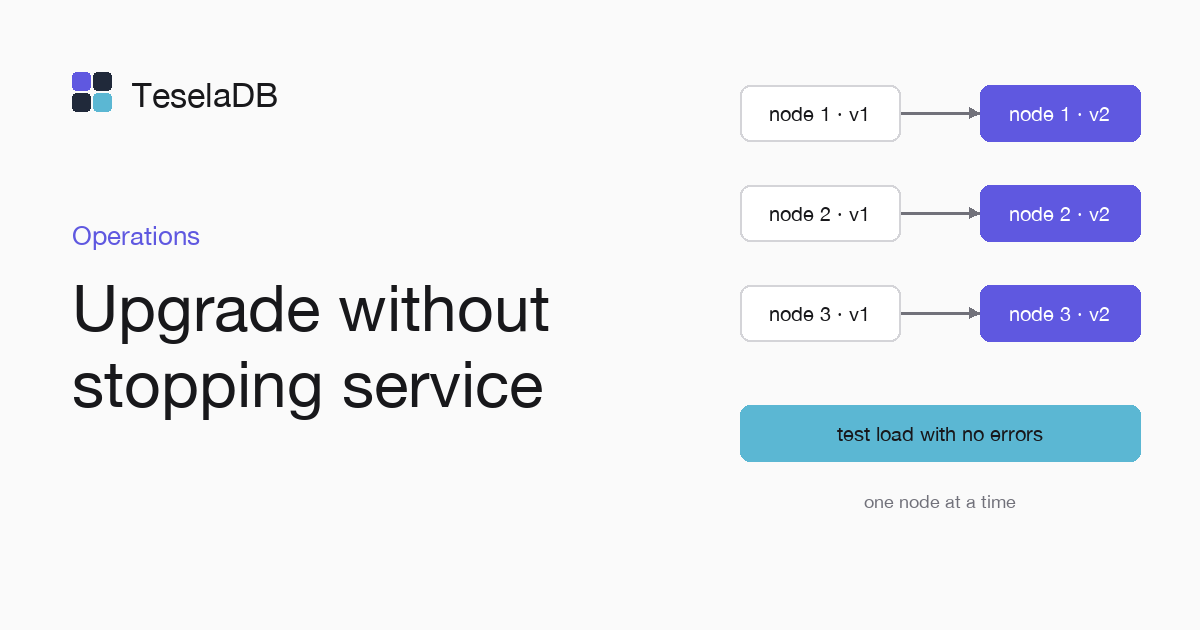
When you replace the binary of a three-node cluster one node at a time, a test load keeps writing with no failures.
A three-node cluster keeps serving with one node stopped, because each range keeps the majority of its replicas. That is the base of an upgrade without downtime: you replace one node's binary, wait for it to come back and move to the next.
What you will build
A three-node cluster upgraded to a new release, node by node, with a test load that writes one document per second for the whole upgrade and counts the writes that fail.
Requirements
- A three-node cluster as a systemd service (Three machines with systemd).
- The new release's binary on each machine and its release notes read.
- A
mongoshsession asrooton the cluster, opened with the command of step 4 of that guide.
1. Start the test load
In another terminal, with mongosh on the three nodes, write one document per second for ten minutes:
let failures = 0;
for (let i = 0; i < 600; i++) {
  try {
    db.load.insertOne({ i, at: new Date() });
  } catch (error) {
    failures += 1;
  }
  sleep(1000);
}
print(`failed writes: ${failures}`);
2. Upgrade one node at a time
Run the commands below on node-03 first, then on node-02 and last on node-01, so that only one node is stopped at
a time while the other two keep the majority of the replicas of each range:
sudo systemctl stop teseladb
sudo install -m 0755 ./teseladb /usr/local/bin/teseladb
sudo systemctl start teseladb
sudo teseladb admin --dbpath /var/lib/teseladb nodes
Do not move on until nodes lists the upgraded node as active. Do not drain the nodes, because draining is for
retiring them from the cluster.
3. Turn on the new MongoDB version, if there is one
If the release notes say it announces a more recent MongoDB version, raise it once the three nodes have the new binary, as Upgrade between versions explains.
Try it
When the load ends, it prints how many writes failed. The drivers retry once the writes that hit a leader change, so it should be zero:
failed writes: 0Clean up
db.load.drop();Run it in mongosh once the load has printed its result, to drop the load collection that the test filled.
Next steps
- Versioning and support policy, to know how long your release is maintained.
- Kill a node and watch it recover, with a failure without warning.