Three machines with systemd
45 minIntermediate
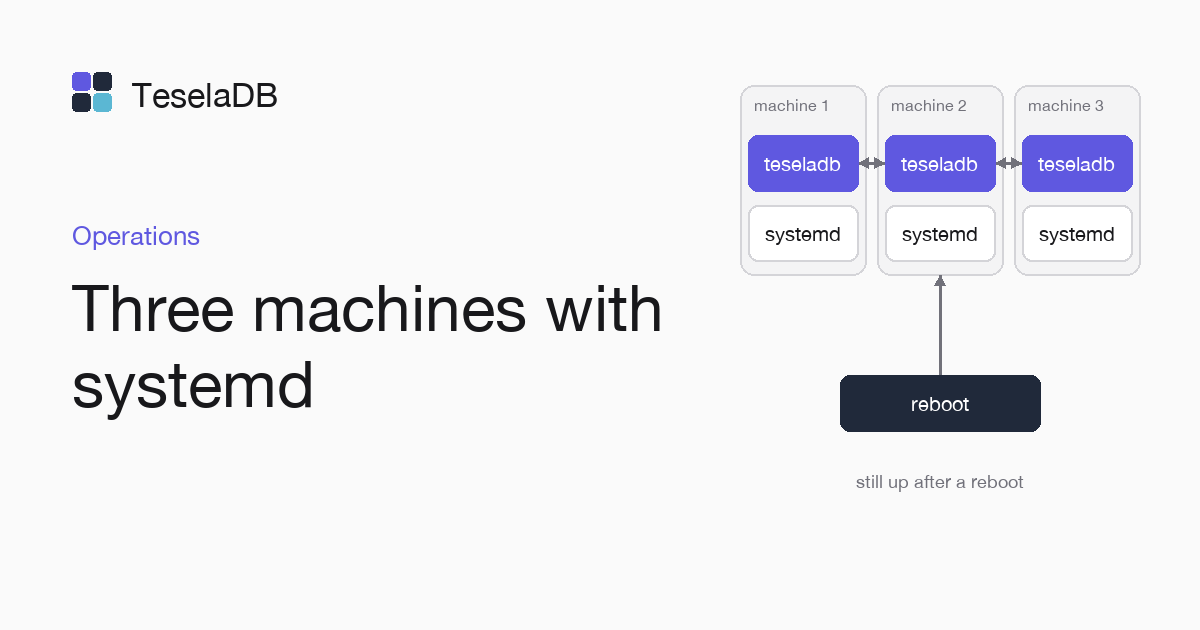
Three Linux machines are enough for a three-node cluster as a systemd service; at the end you check that it survives a reboot.
A production TeselaDB cluster is three or more machines with the same binary, and here you set it up on three Linux machines, each node as a systemd service. At the end you reboot one of them to see the cluster keep serving.
What you will build
Three nodes, node-01, node-02 and node-03, joined with enrolment tokens and started by systemd every time their
machine boots, with your applications connecting to the three of them with TLS and the user you create.
Requirements
- Three Linux machines with the binary at
/usr/local/bin/teseladb(Install on Linux) and clocks synchronised with NTP. - Port 27100 open between the three machines, 27017 towards your applications and 27200 towards your operations team.
1. The service on the three machines
Create /etc/systemd/system/teseladb.service on each machine. The unit starts the node once the network is up and
restarts it if it fails:
[Unit]
Description=TeselaDB
After=network-online.target

[Service]
ExecStart=/usr/local/bin/teseladb start --dbpath /var/lib/teseladb --bind_ip 0.0.0.0,%H --peer-listen 0.0.0.0:27100 --admin-listen 0.0.0.0:27200
Restart=on-failure

[Install]
WantedBy=multi-user.target
2. Start the first node
On node-01, the first start creates the cluster CA and the root user:
sudo systemctl enable --now teseladb3. Join the other two
On node-01, create a single-use token for each of the other two nodes. Each token expires after one hour, as --ttl 1h
sets, so create them right before you join node-02 and node-03 to the running cluster:
sudo teseladb admin --dbpath /var/lib/teseladb token create --ttl 1hOn node-02 and on node-03, the first start carries --join and the token. Then stop that process. Hand the node to
the service, which no longer needs the token:
sudo teseladb start --dbpath /var/lib/teseladb --bind_ip 0.0.0.0,$(hostname) --peer-listen 0.0.0.0:27100 \
  --admin-listen 0.0.0.0:27200 --join node-01:27100 --enroll-token <token>
sudo systemctl enable --now teseladb
4. Connect your applications
Copy the cluster CA, /var/lib/teseladb/pki/ca.pem, to your application machines and create a user for each one with
the roles it needs (Users and roles). The string carries the
three nodes and authSource=admin, because users live in the admin database and the driver has to authenticate there
even though the application works in shop:
mongodb://shop-api:<password>@node-01:27017,node-02:27017,node-03:27017/shop?tls=true&tlsCAFile=./ca.pem&authSource=adminTo connect yourself as root, from node-01, take its password and the CA out of the data directory and pass the three
nodes in the string, with authSource=admin because users live in the admin database:
ROOT_PASSWORD=$(sudo sed -n 's/^password=//p' /var/lib/teseladb/root-credentials.txt)
sudo cat /var/lib/teseladb/pki/ca.pem > ca.pem
mongosh "mongodb://root:$ROOT_PASSWORD@node-01:27017,node-02:27017,node-03:27017/?tls=true&tlsCAFile=./ca.pem&authSource=admin"
Try it
sudo teseladb admin --dbpath /var/lib/teseladb nodes lists the three nodes as active. Reboot node-03 with sudo reboot
while your application writes: the ranges it led elect a new leader on the other two nodes and the driver retries the
operation that was in progress. When the machine comes back, systemd starts the node and it catches up on its own.
Clean up
If it was a test, stop the service and delete the data on each machine, with the CA and the keys of the cluster:
sudo systemctl disable --now teseladb
sudo rm -r /var/lib/teseladb
Next steps
- Production checklist, before taking real traffic.
- Scheduled backups and a restore test, for the first nightly backup.