Move a Mongoose application to TeselaDB
20 minBeginner
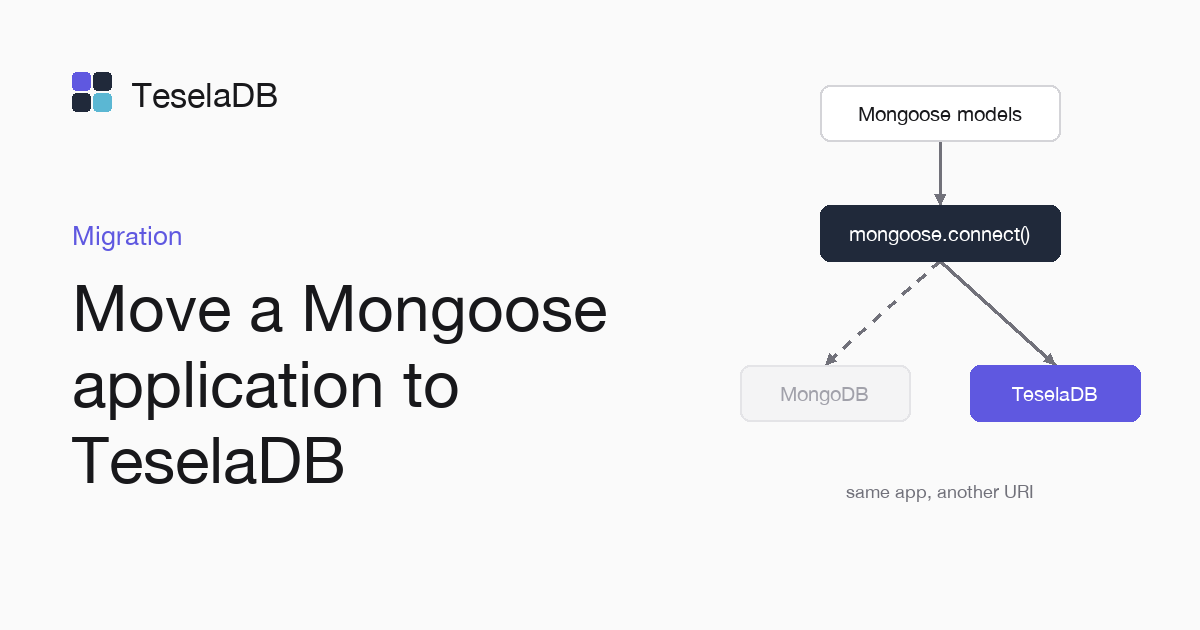
We show you how to connect your Mongoose models to TeselaDB, check that they save and read the same and review what changes.
Mongoose connects to the database through the official MongoDB driver for Node.js, so your schemas, your validations and your queries stay the same. What changes is the connection string and, in some cases, a behaviour from the list of differences from MongoDB.
What you will build
A Mongoose model with its schema that saves and reads orders in TeselaDB. With it you check that your application works against the cluster before you move all of it.
Requirements
- Node.js 18 or later.
- Docker and
mongosh, to start TeselaDB on your machine and look at the data.
Set up the environment
docker run -d --name teseladb -p 27017:27017 viuzi/teseladb:latest \
  start --dbpath /data --insecure --insecure-allow-remote --bind_ip 0.0.0.0
export TESELADB_URI="mongodb://127.0.0.1:27017/shop"
mongosh "$TESELADB_URI" --quiet --eval 'db.runCommand({ ping: 1 }).ok'
mkdir orders && cd orders && npm init -y && npm install mongoose
The container starts a TeselaDB node without TLS or users, which is enough to follow the guide on your machine. Once
mongosh answers 1, the node takes connections. TESELADB_URI points at that node and the shop database. The last
line creates the program's folder with Mongoose installed, in version 8 or later.
1. Change the connection string
On your machine, the string in the environment already points at the local node, so you can go on to step 2. In production, if your application reads the string from an environment variable, give it the TeselaDB one, with the application's user, the cluster nodes and the CA, like this one:
mongodb://shop-api:<password>@node-01:27017,node-02:27017/shop?tls=true&tlsCAFile=./ca.pem&authSource=admin2. Try a model
Save this as order.mjs, with a schema that validates its fields and stamps the creation and update times:
import mongoose from "mongoose";

const Order = mongoose.model(
  "Order",
  new mongoose.Schema(
    { customer: { type: String, required: true }, total: { type: Number, min: 0 } },
    { timestamps: true },
  ),
);

await mongoose.connect(process.env.TESELADB_URI);
await Order.create({ customer: "Ana", total: 30 });
console.log(await Order.countDocuments({ customer: "Ana" }));
await mongoose.disconnect();
Try it
Run node order.mjs. The program connects with Mongoose using the string in TESELADB_URI, creates an order for Ana
with a total of 30 and then counts her orders, so against an empty database it prints the number 1:
1Then run your application's tests against TeselaDB. If one fails, check first whether it depends on the order of a
find without sort, which in TeselaDB returns the documents in the order of their key.
Clean up
db.getSiblingDB("shop").orders.deleteMany({ customer: "Ana" });Run it in mongosh to delete the test orders, all of them with Ana as the customer. At the end, remove the
container too with the command below: the node keeps its data inside, with no volume, so everything you wrote during
the guide goes with it and port 27017 is free again.
docker rm -f teseladbNext steps
- ODMs and ORMs, with Spring Data MongoDB and Beanie.
- Differences with MongoDB, in case your application depends on one.